Create visually
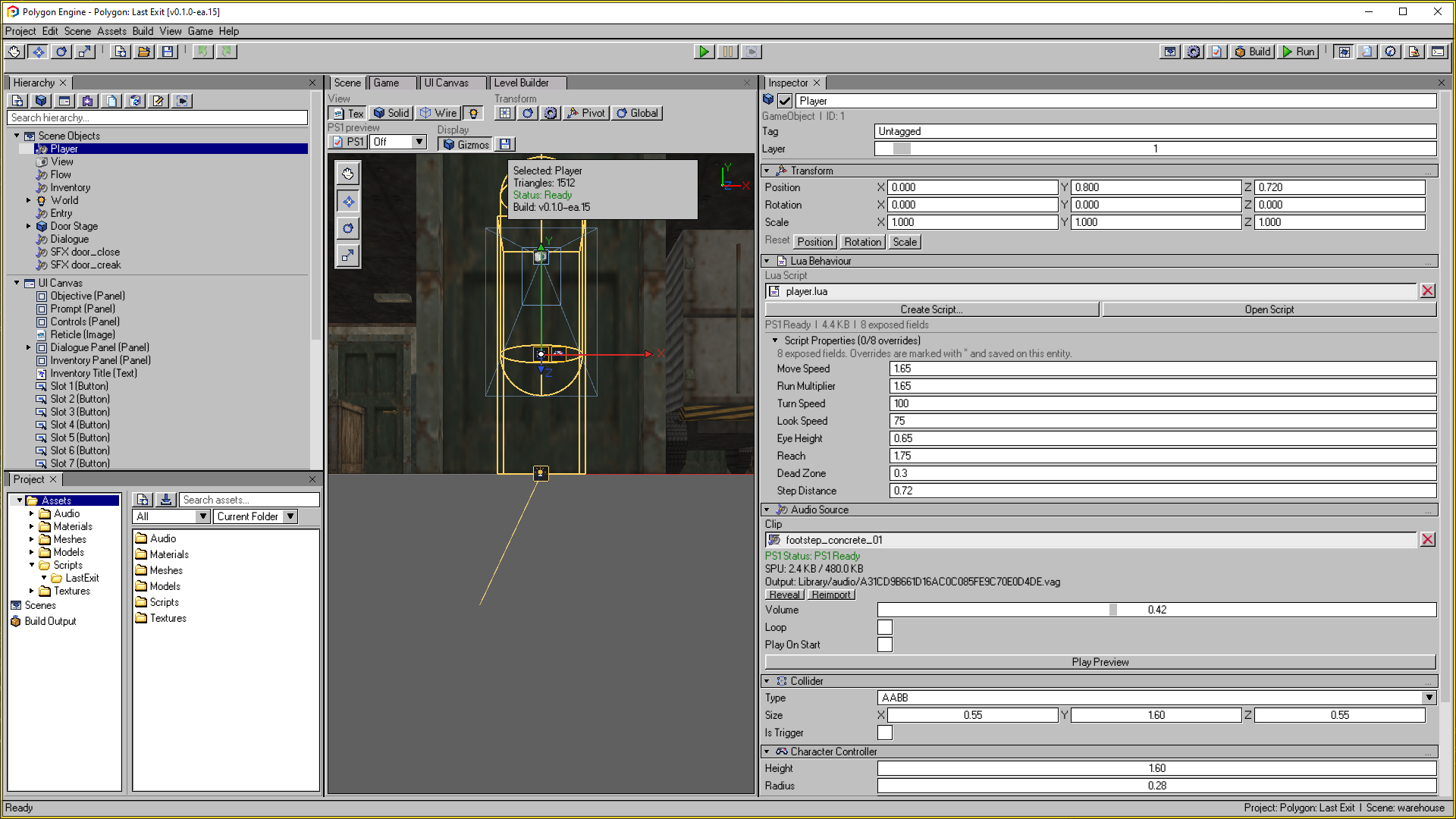
Scenes, components, geometry, and UI in one editor.
EARLY ACCESS · WINDOWS

Create 3D games for PlayStation.
Exclusively for first- and third-person games.Visual editing, Lua scripting, and native PS1 builds in a Windows 95-inspired workspace.
Polygon Engine is not an official PlayStation engine and is not affiliated with Sony Interactive Entertainment.
Windows 10/11 · 64-bit · Purchase and download on itch.io
Ask questions, share feedback, and show what you are building.
Early Access footage. Interface details may evolve.
A FAMILIAR WORKFLOW
Arrange your world visually, add behaviour with components and Lua, then export a game for the original PlayStation.
Scenes, components, geometry, and UI in one editor.
A lightweight scripting workflow for your own game logic.
Build disc images for a separately configured emulator or compatible homebrew setup.
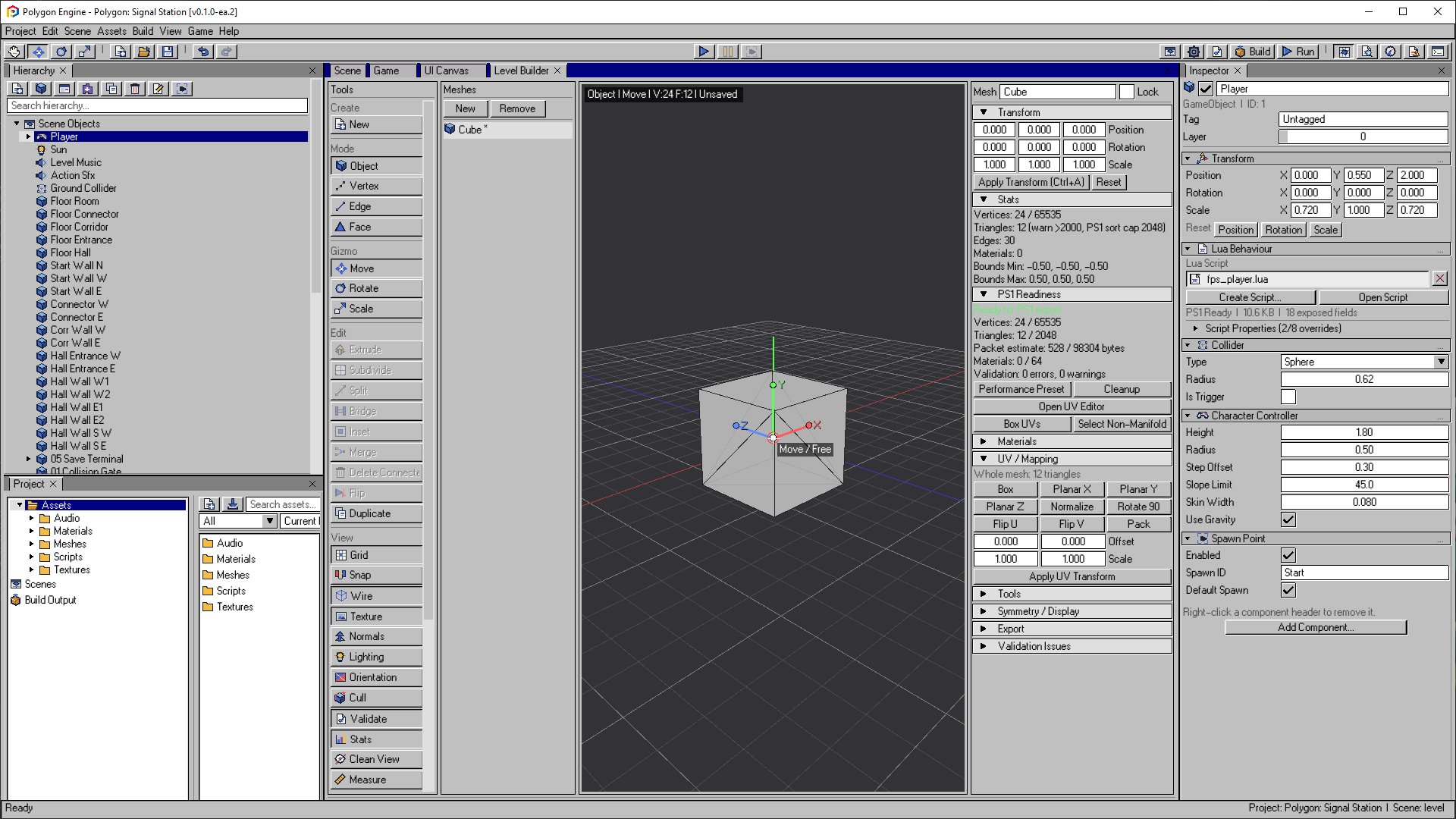
01 / CREATE YOUR WORLD
Start with a blockout and shape it into a playable space. Keep geometry, materials, and scene objects together in a dockable workspace.
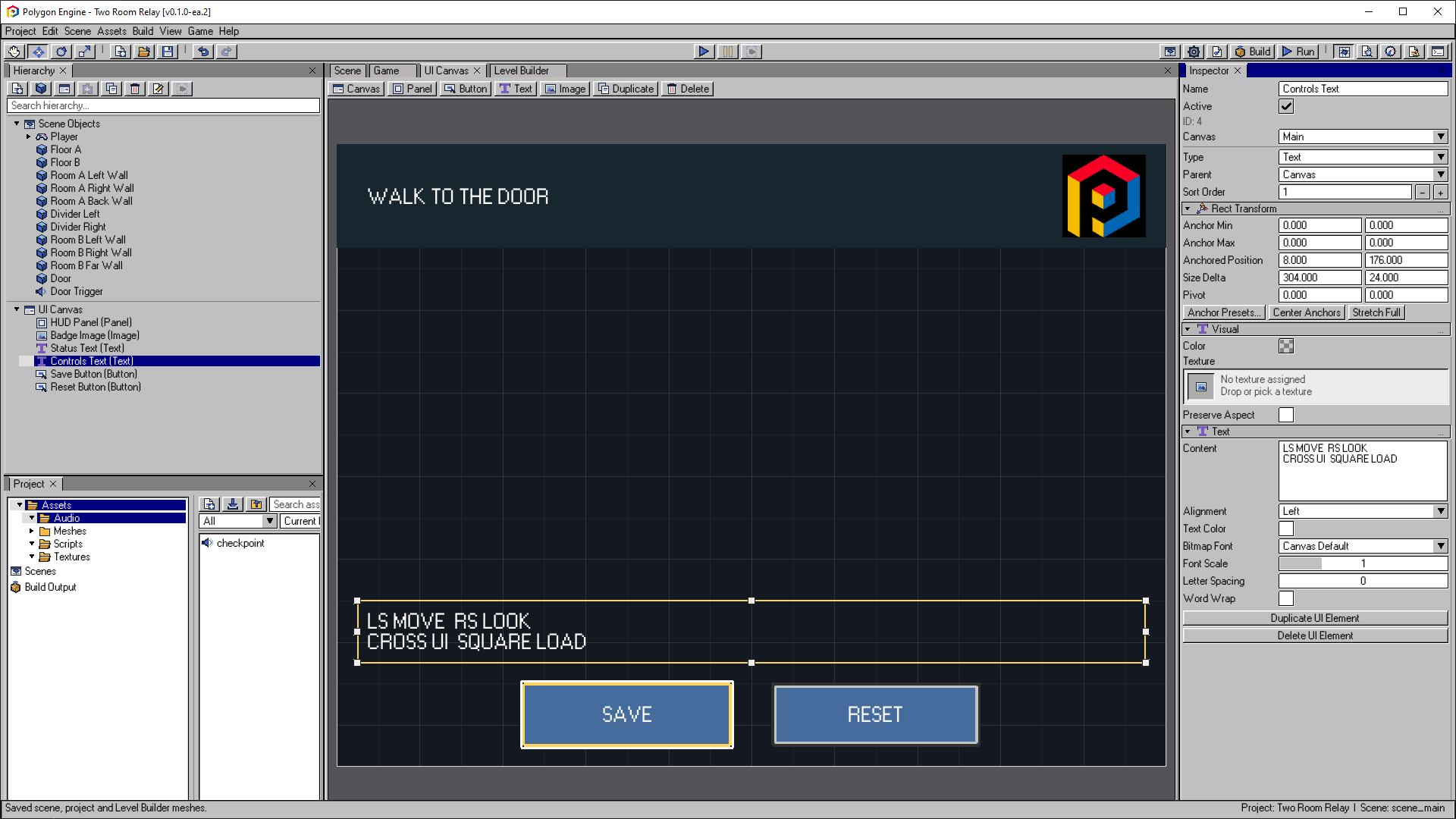
02 / BRING IT TO LIFE
Write Lua behaviours, connect them to your scene, and build the interface your game needs. Try changes in Play Mode as you work.
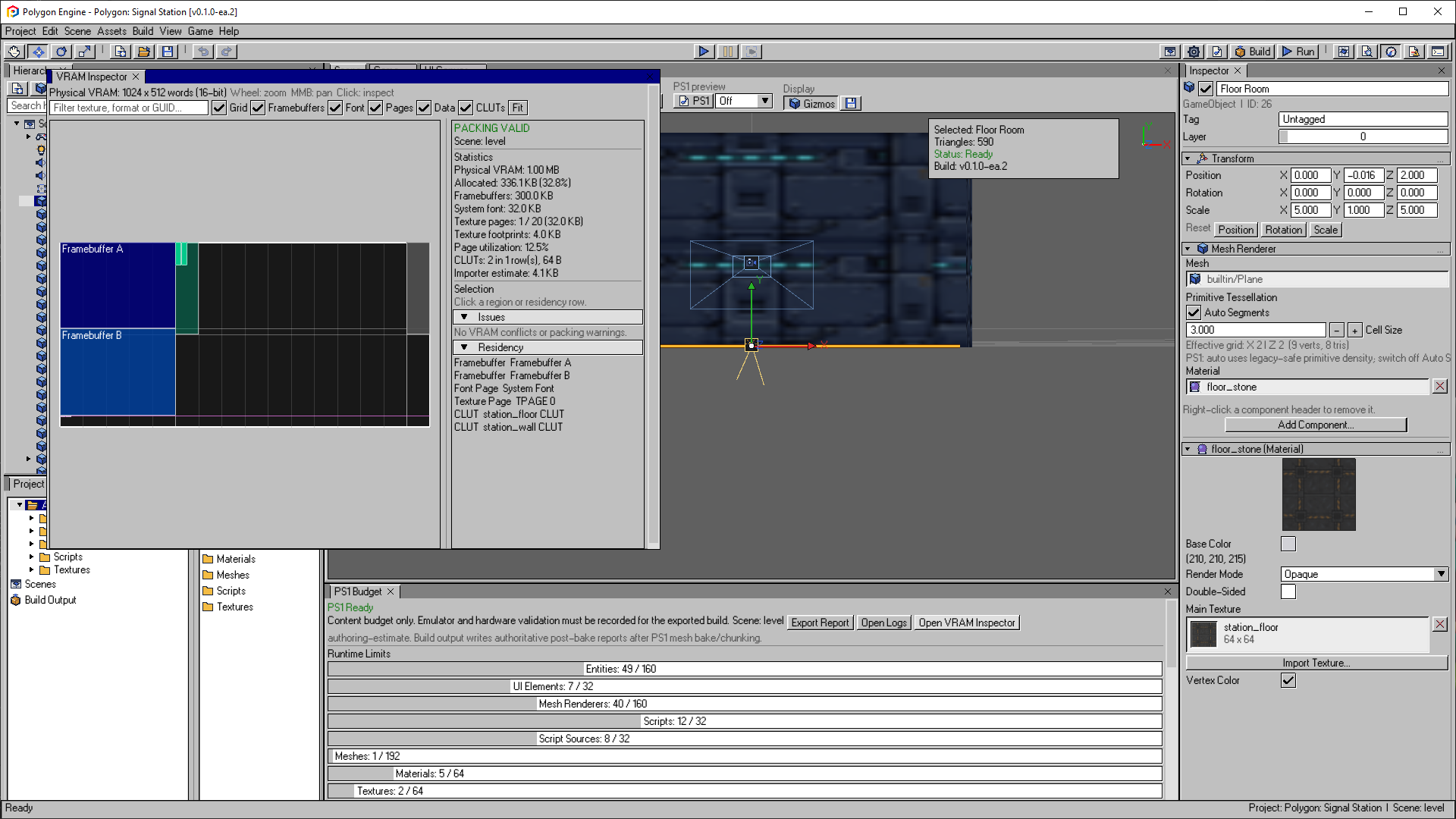
03 / BUILD FOR PLAYSTATION
Make decisions with the original console’s limits in view. Inspect resource usage while you build, then test the exported game.
Emulators and BIOS files are not included. Test exported builds on your intended setup; resource checks do not guarantee hardware compatibility.
LEARN BY MAKING A GAME
Follow Two-Room Relay from an empty project to an exported game, or explore the included examples to see how the pieces fit together. Documentation is available in English and Spanish.
Follow the tutorialTwo rooms, a door, and a complete workflow: build the space, script an interaction, add a HUD, and save your progress.
Workspace, Level Builder, UV Editor, and UI Canvas.
GameObjects, renderers, colliders, and behaviours.
Models, textures, audio, and materials.
Gameplay scripting, API reference, and examples.
Scene management, export, and build troubleshooting.
Hardware constraints, budgets, and optimization.
POLYGON ENGINE / EARLY ACCESS
Get the Windows editor on itch.io and start building. Early Access is still evolving: expect bugs and changes as the engine develops.